Docu-x OCR
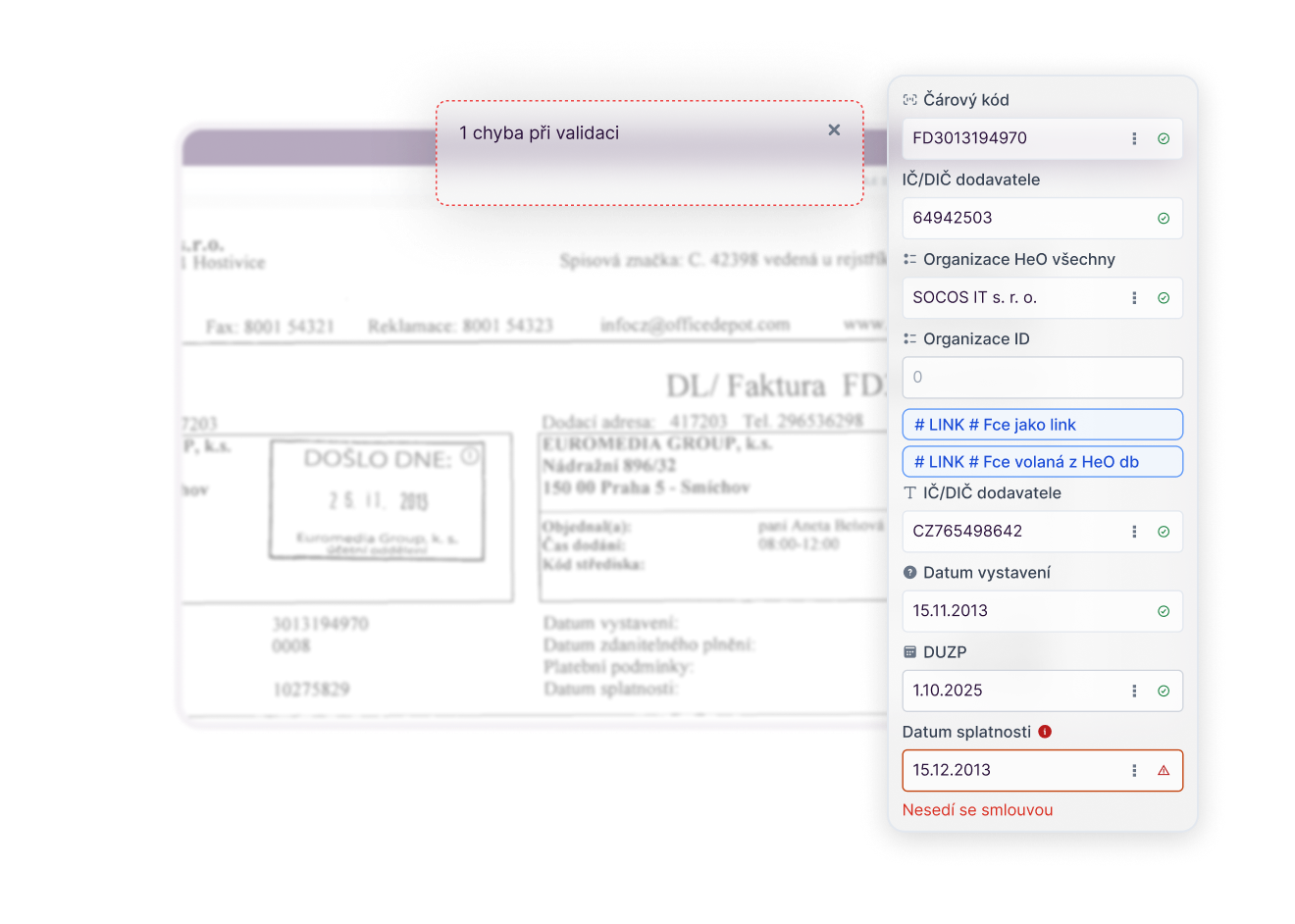
Our solution can extract data from invoices, receipts, delivery notes, and orders, saving you the hassle of tedious retyping. You'll speed up document processing by up to 80%, reduce errors, and gain instant access to accurate data for your internal applications.
Why use Docu-x OCR?
Speed up data processing
AI extracts data in seconds and can process thousands of documents per month without the need to increase the number of employees.
You will reduce the number of errors
Automatic extraction minimizes human error during transcription. The system continuously learns from your documents and constantly improves its accuracy.
You will save costs
Less manual administration means significantly lower operating costs and a quick return on investment.
Your data is always at your fingertips
Data from invoices, receipts, or delivery notes is immediately transferred to the ERP or accounting system. Management has access to an up-to-date and immediate overview.
You can easily scale
The technology easily adapts to the volume and type of documents—from dozens to thousands per month, regardless of format or source.
Connecting to systems is easier
The extracted data is automatically transferred to your ERP, accounting, or DMS system. This eliminates duplicate work and ensures that all departments are working with up-to-date information.
We have experience with these systems














What does an automated document mining system look like?
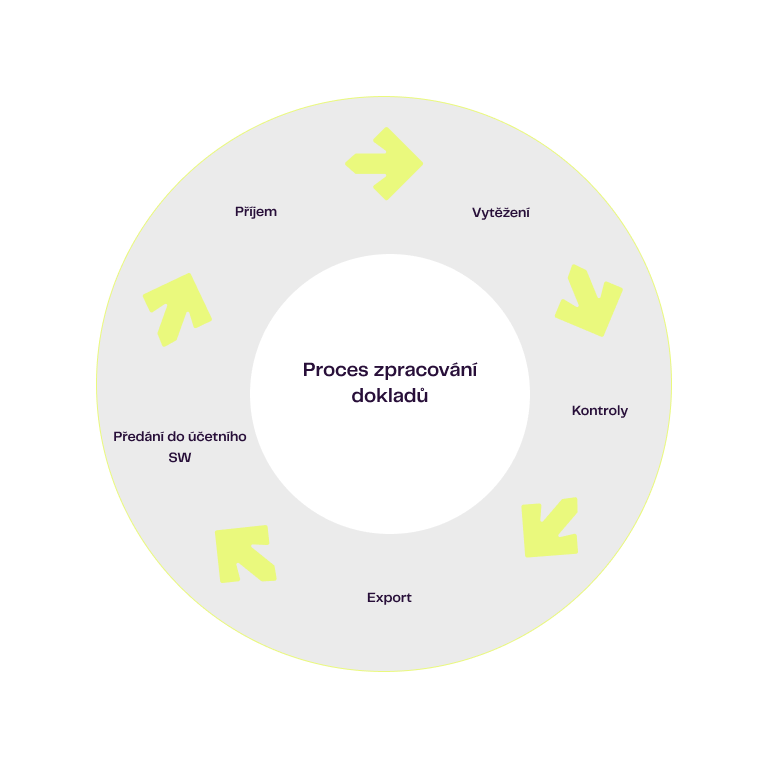

- Receiving documents via email/scan/API
- Extracting data using Docu-x OCR
- Automatic data checks against other systems
- Saving knowledge after data export
- Transferring data to internal applications
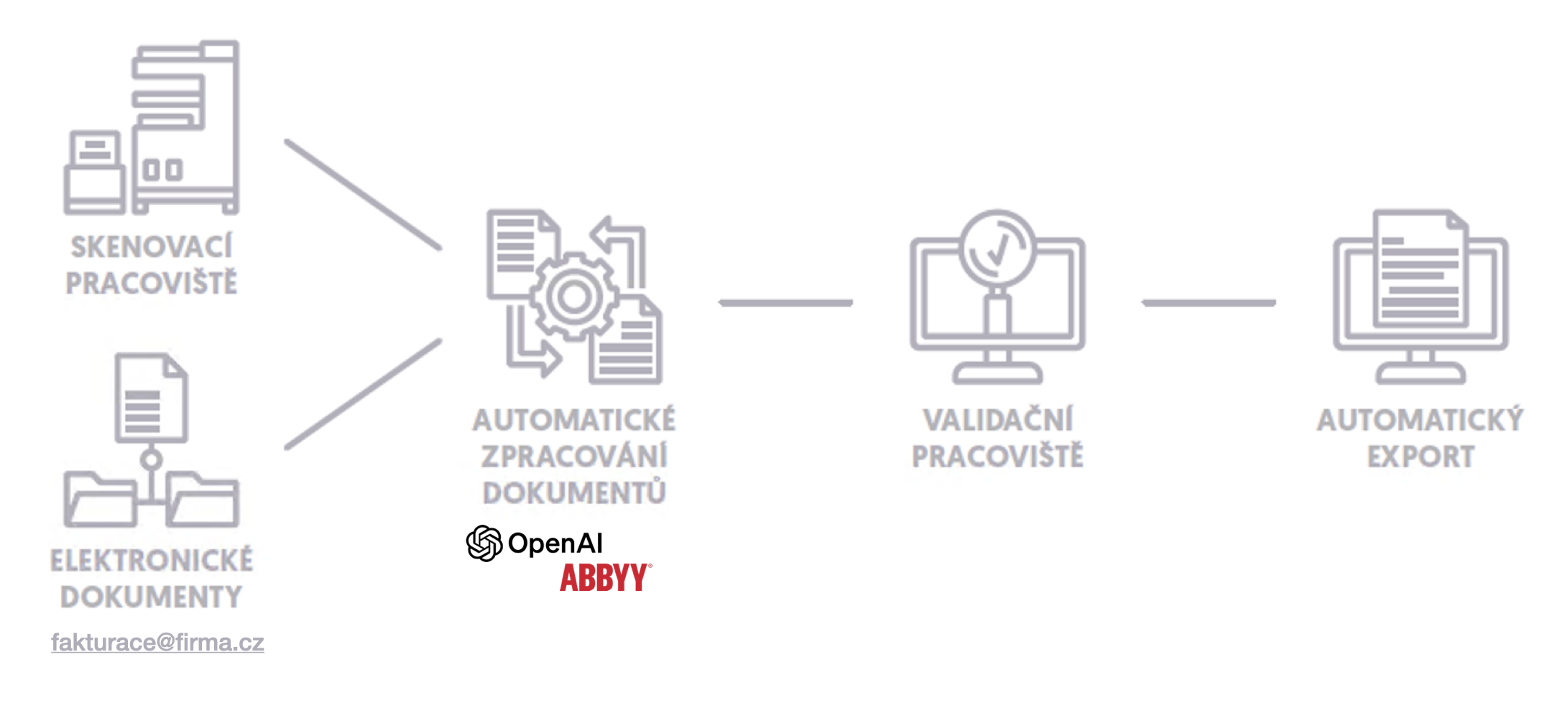
Documents arrive automatically from email, by uploading a scan, or through API integration. All inputs are consolidated in one place.
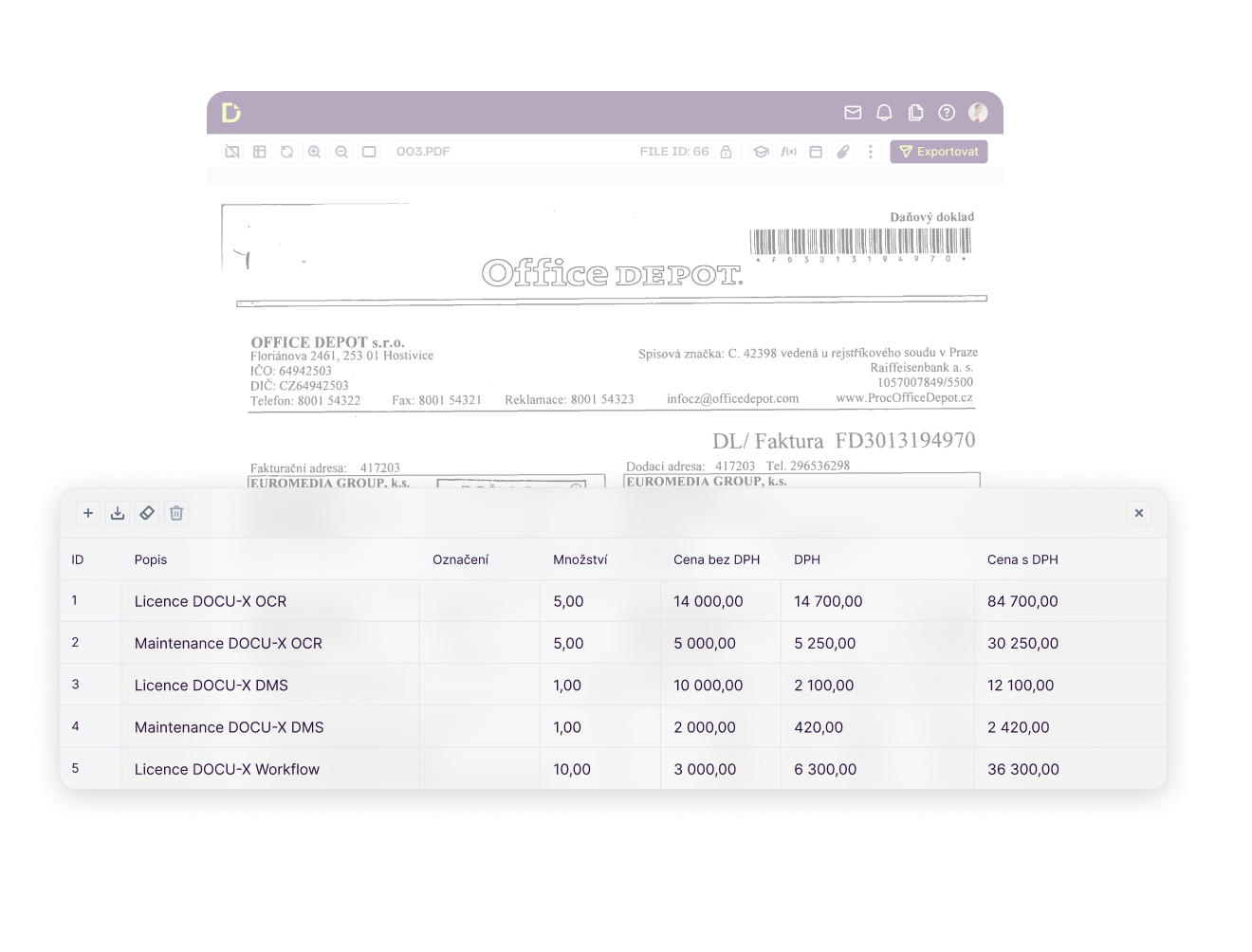

Artificial intelligence recognizes and reads key data from invoices, receipts, orders, and delivery notes. You eliminate manual rewriting and significantly speed up your work.

The system verifies data against the organization directory, list of received invoices, bank accounts, inventory cards, etc. This allows you to detect errors or discrepancies before further processing.
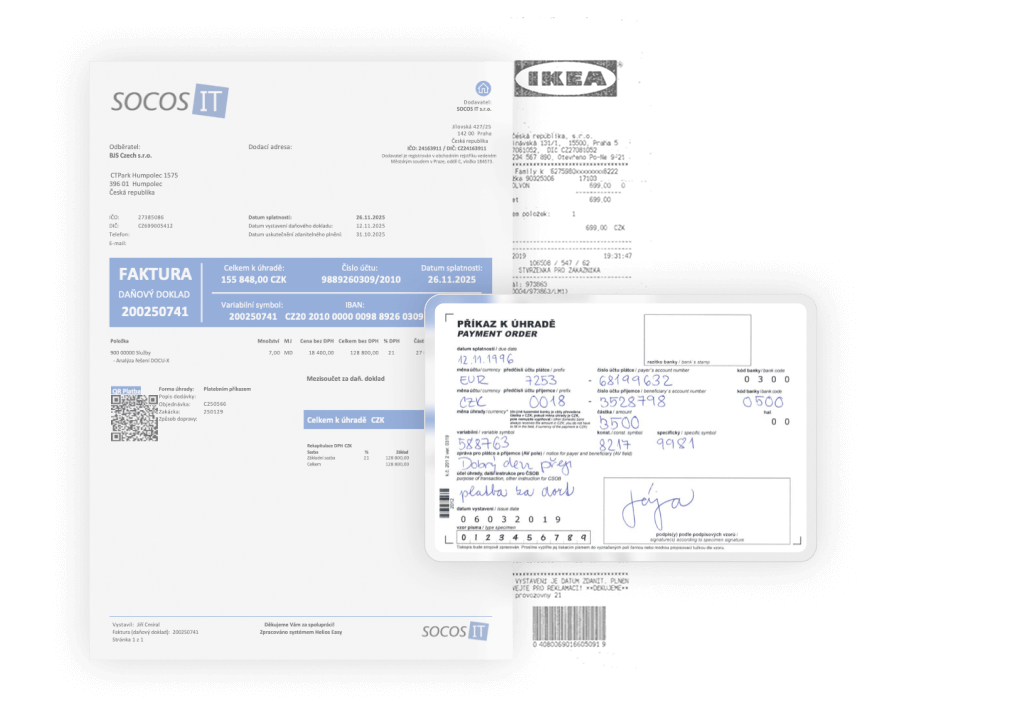

Docu-x OCR can learn to extract data from almost any type of document. Our customers currently use it for invoices, receipts, orders, delivery notes, attestations, certificates, reports, CMRs, and more.
Who uses Docu-x OCR for extracting data from documents?



You are often interested in
How can we benefit from using Docu-x OCR?
What types of documents can Docu-x OCR process?
How is the extracted data checked and validated?
Can Docu-x OCR be integrated with our other systems or processes?
Can we start with the basic package and switch to a customized solution later?